




Maritime Pixelmap
for disguise Designerv0.1.0Draw the rig once. Push the patch straight onto the disguise stage.
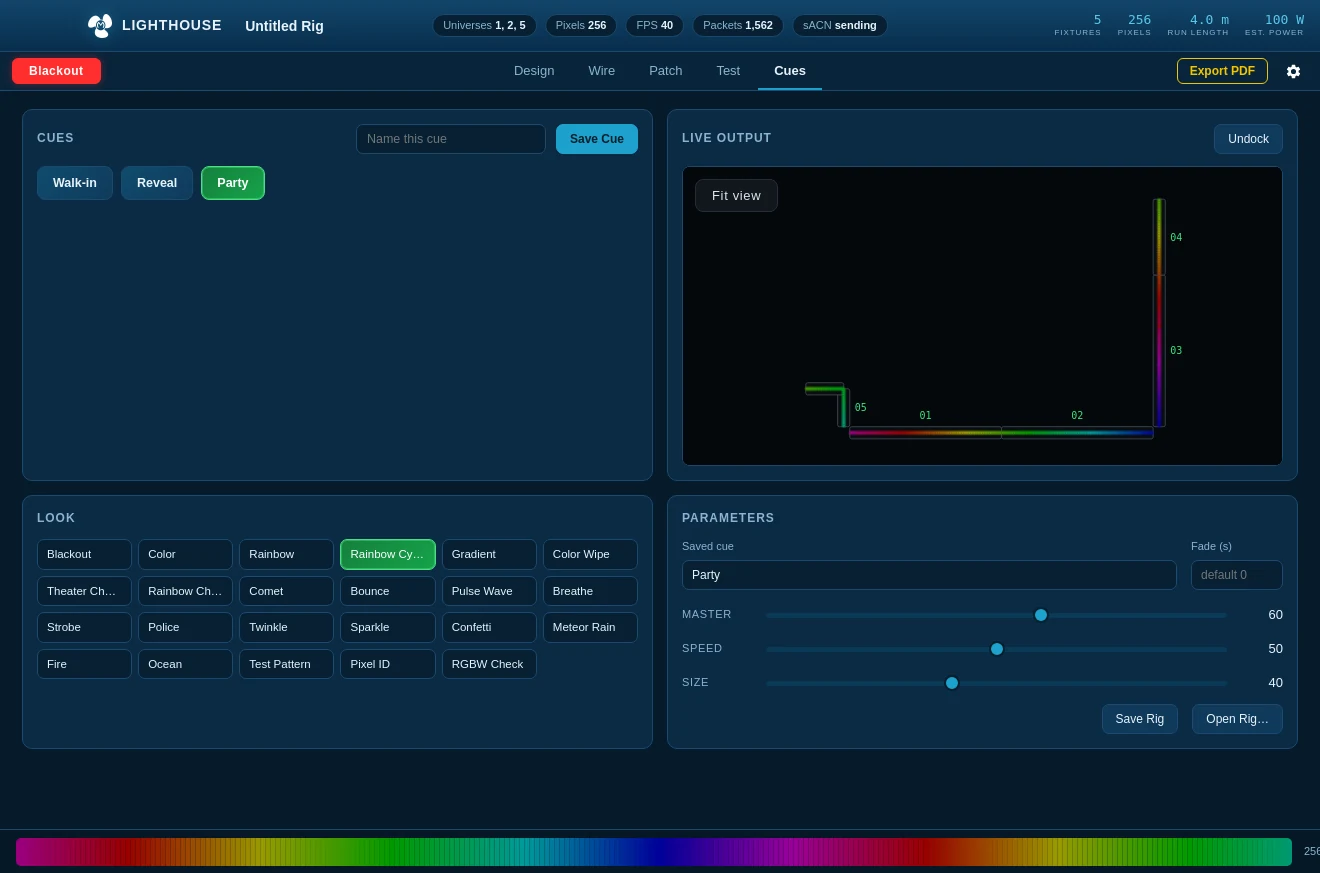
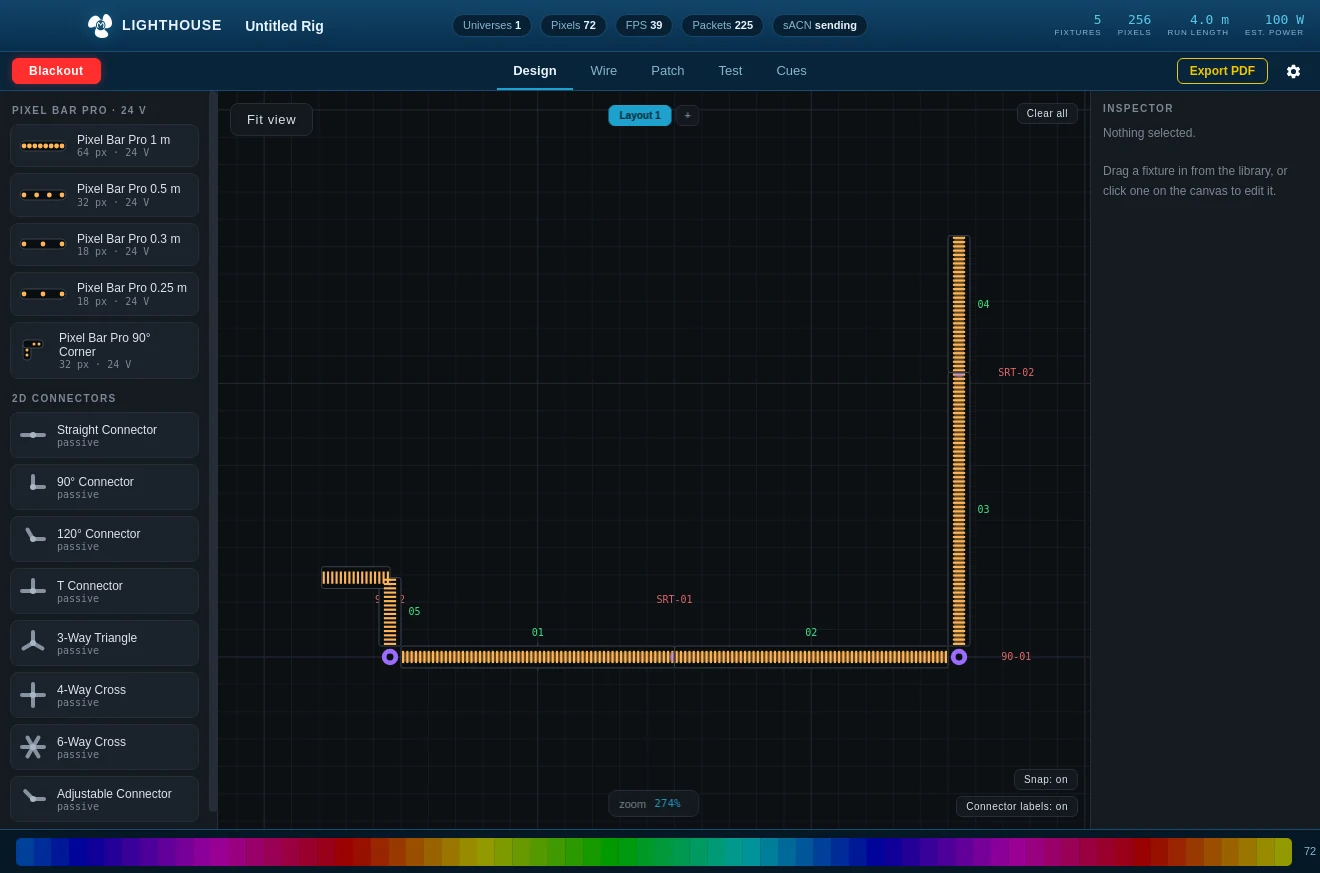
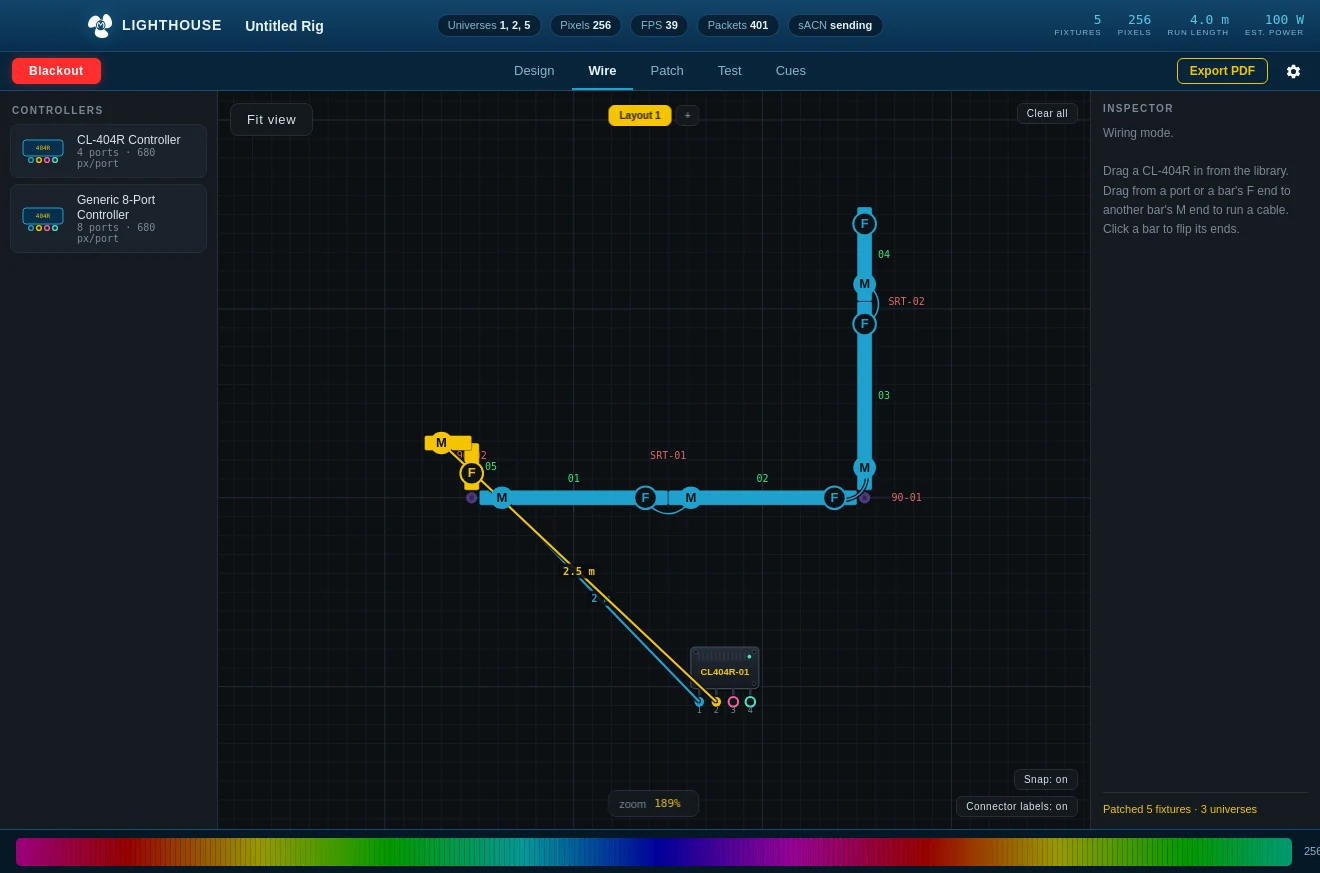
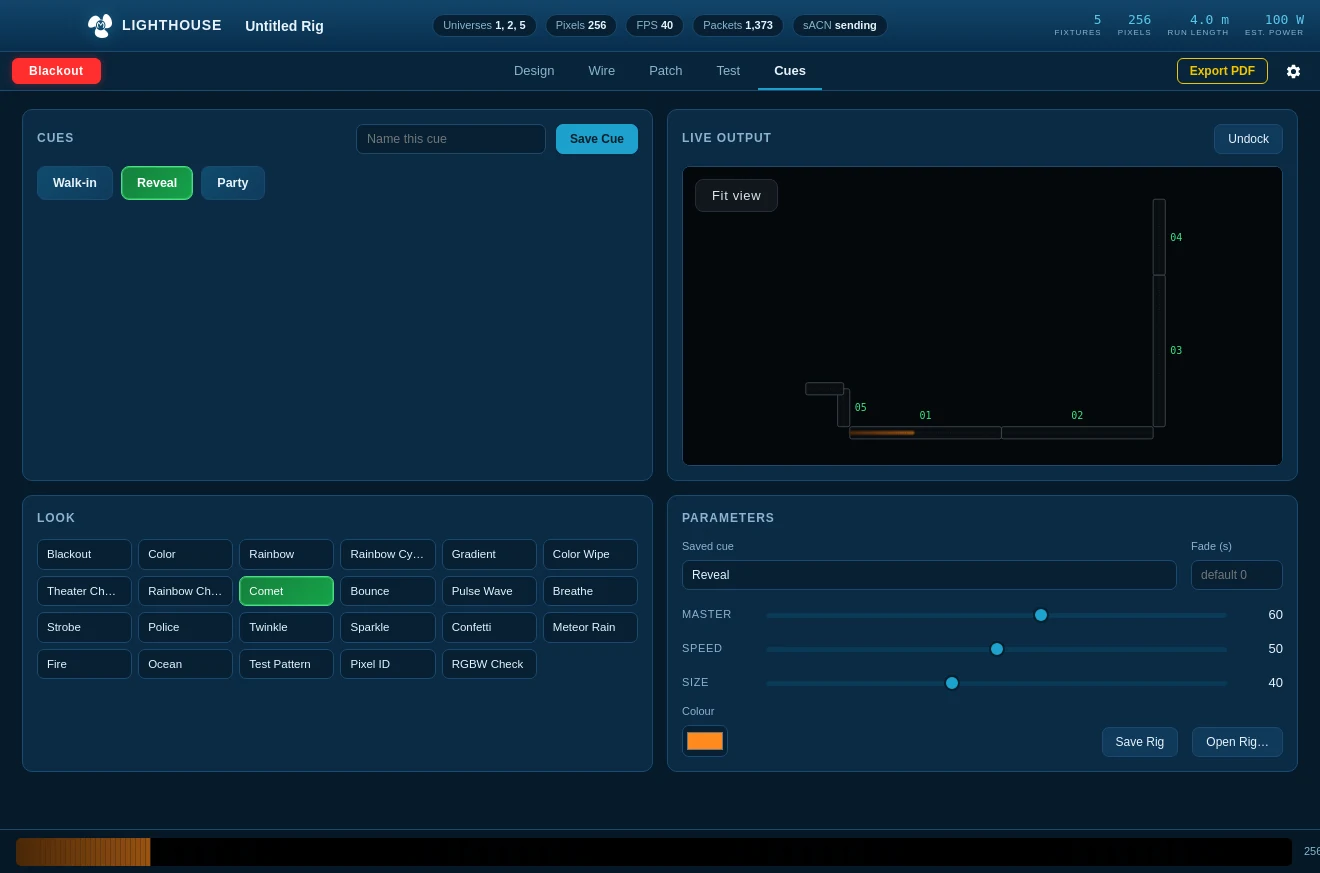
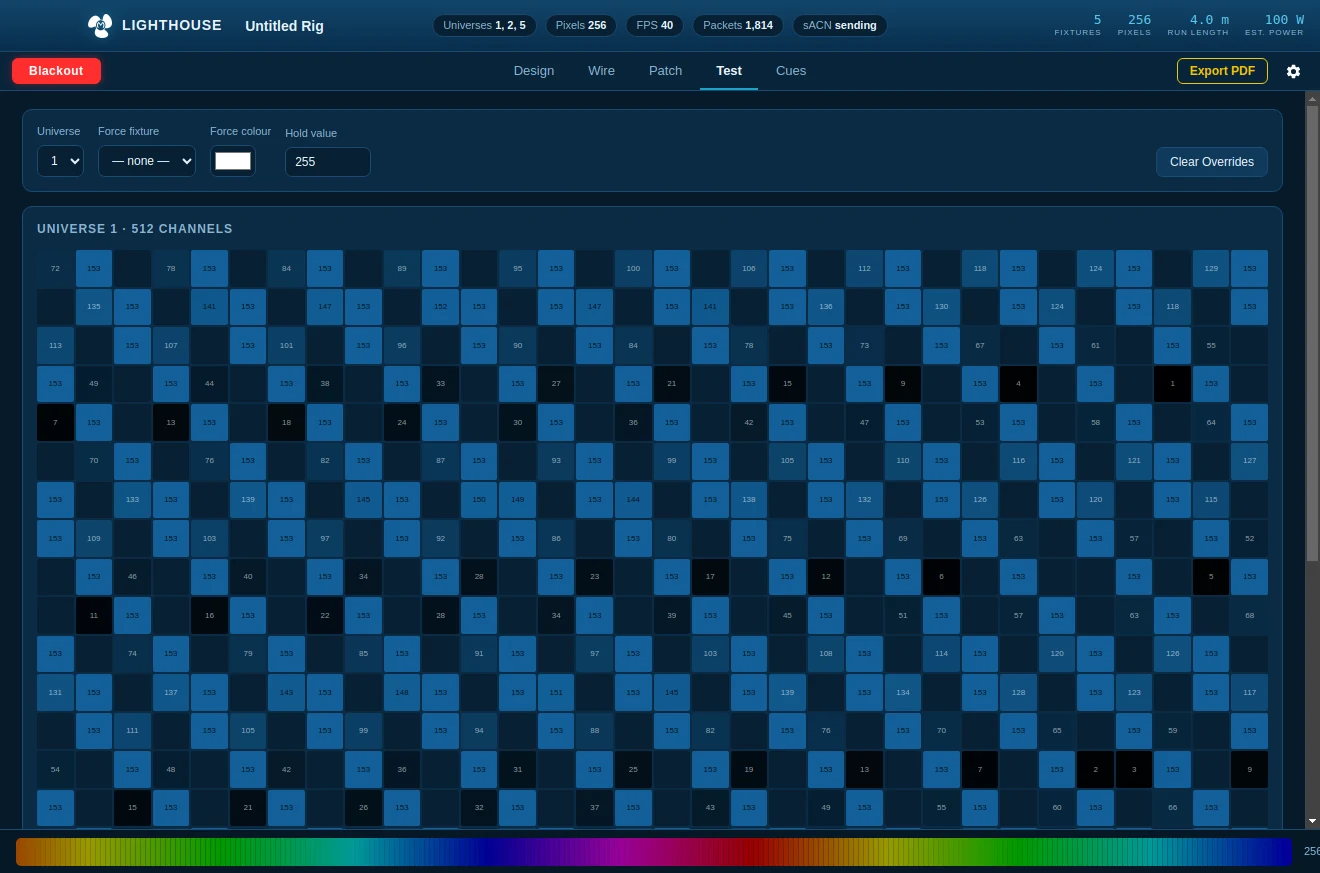
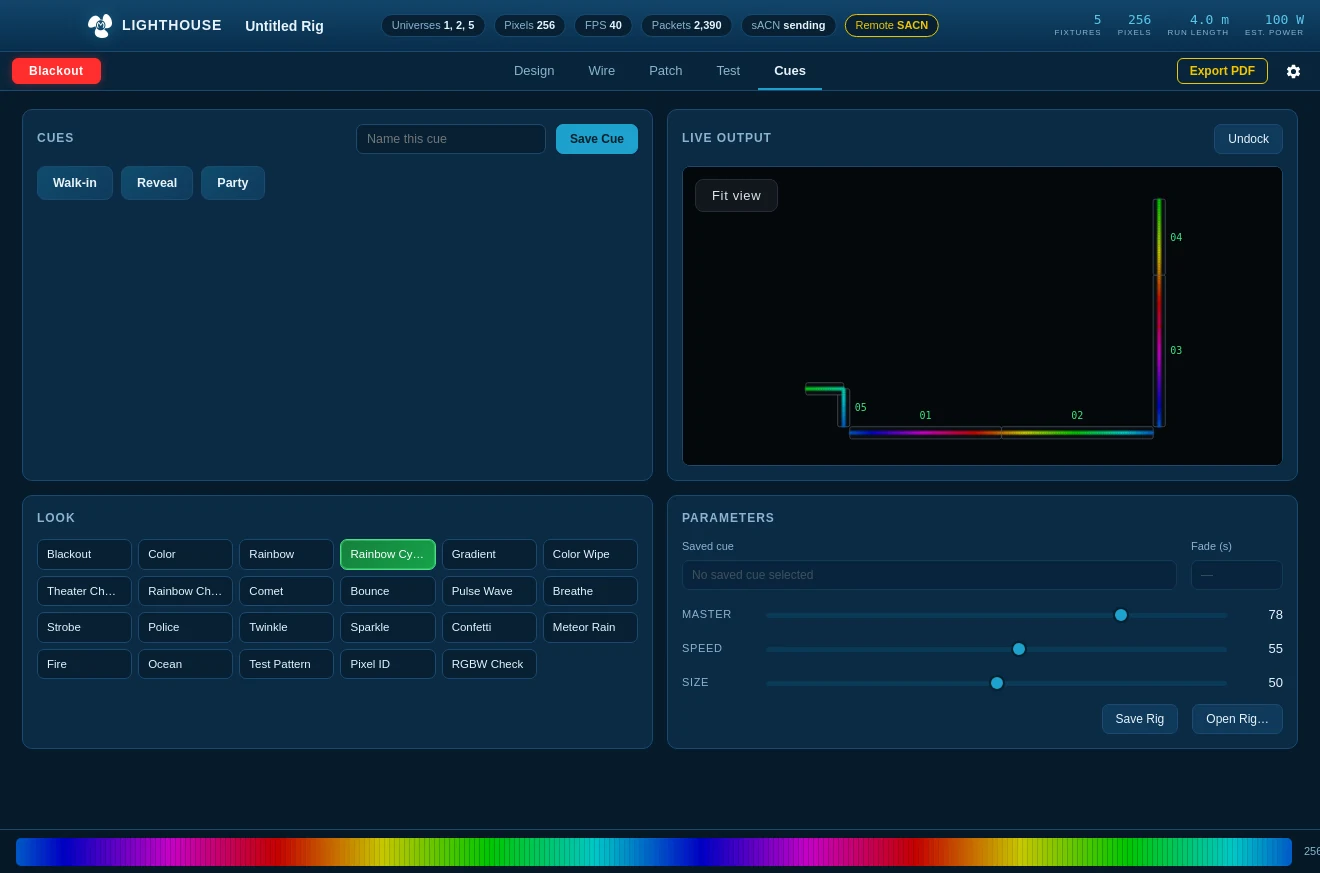
Lighthouse's rig designer, packaged as a disguise Designer plugin. Draw the bars, cable them the way they are actually cabled, and it works out the wiring order, the universes and the channels — then creates them on the disguise stage as DmxScreens or DmxLights, positioned where you drew them.
- 1Draw the rig and cable it. The patch comes from the real cable chains, not from a spreadsheet.
- 2Pick how the drawing sits on stage — a wall seen straight on, or the floor from above.
- 3Pick what to create: a DmxScreen per bar, or a DmxLight per controller port.
- 4Read the Python it is about to run. Edit it if you want to. Then push.
Download
ZIP · 196 KB · drop into your Plugins folder
You need
- disguise Designer with a running session
- The Designer API on its default port 80
- No other software — the plugin talks to Designer directly
Early release. Two DMX fields are set from disguise's documented example rather than tested hardware, and the plugin shows you the script before it runs so you can correct them. Tell us what your machine wanted.